Vehicle intake is slowed by repeated data entry, disconnected tools and evidence that must be copied from one system to another. Scan duration is only one part of that workflow.
Capture once, structure at source
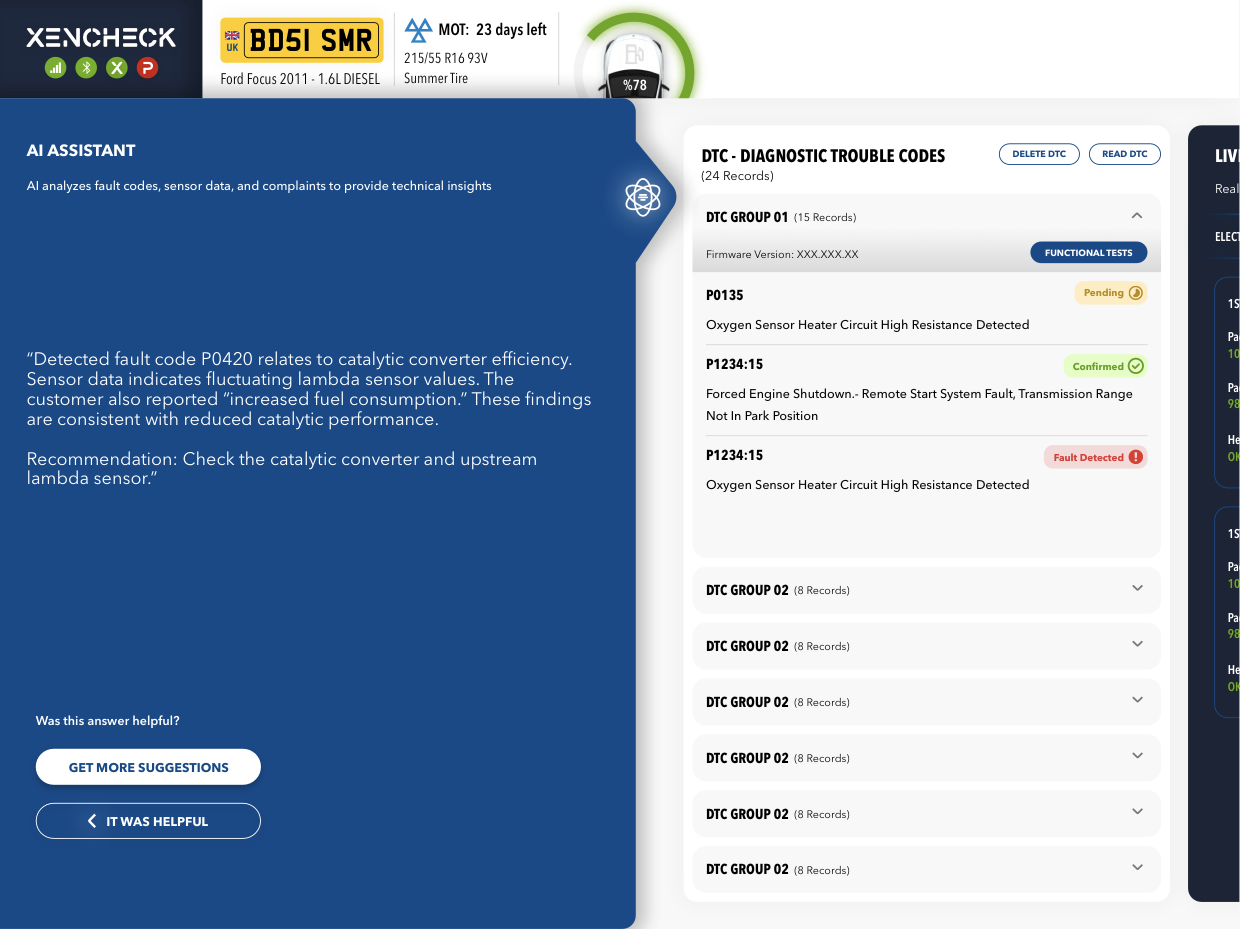
The XENCHECK Ultra VCU connects through the vehicle's DLC/OBD interface and communicates with the networks supported by that vehicle. Depending on its architecture and configuration, the device can capture the VIN, ECU inventory, DTCs, freeze-frame records and live values. Availability and completion time vary with the vehicle, ECU count, protocol, network state and requested data.
Integration adds authorized context
XENCHECK structures the captured evidence before it reaches the service workflow. When a customer has configured an authorized DMS integration, available vehicle, repair-order, service-history and campaign context can be associated with the same intake record. The exact scope and latency depend on the DMS, its API, customer permissions and deployment configuration.
The technician remains in control
The resulting record gives technicians and service advisors one traceable starting point. It can reduce duplicate entry and missing evidence, but it is not an automatic diagnosis and does not replace workshop verification. A qualified technician reviews the data, confirms the test conditions and decides the next action.
Measure the complete workflow
Useful measures include intake completion time, repeated entry, incomplete records and the time from connection to an actionable work order. Results should be evaluated in the customer's own environment instead of presented as one universal percentage.